Download Presentation Slides (.pdf)
Point Cloud Visualization
Rotating Point Clouds with lidR

Download the Rotating LAS GIF Script and sample data (.zip)
Contains:
rotating_gif.R - an R script containing the rotating GIF from las/laz function
rotating_las_gif.Rproj - an R project file, use this to ensure the example paths work
las_ex\ - folder containing five example 400m2 plots of drone lidar data to play with
Instructions:
- Download and extract contents to a folder
- Open the rotating_las_gif R Project using RStudio
- Open rotating_gif.R in RStudio, run the script to generate your first gif
- Play around with different options until you’re happy with your gif
Potree
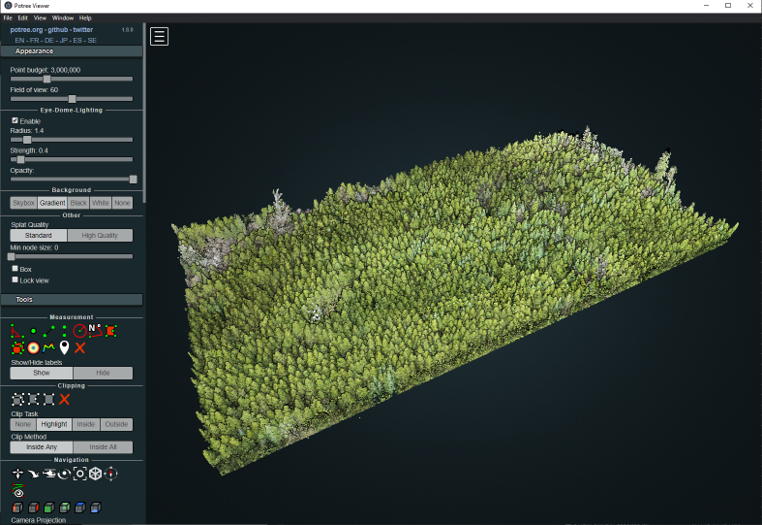
Check out Potree Desktop (not recommended for UBC laptops, requires node.js install)
Check out these Potree examples (find a cool one for your assignment)
Shiny Apps
The TreeDetectoR Shiny App
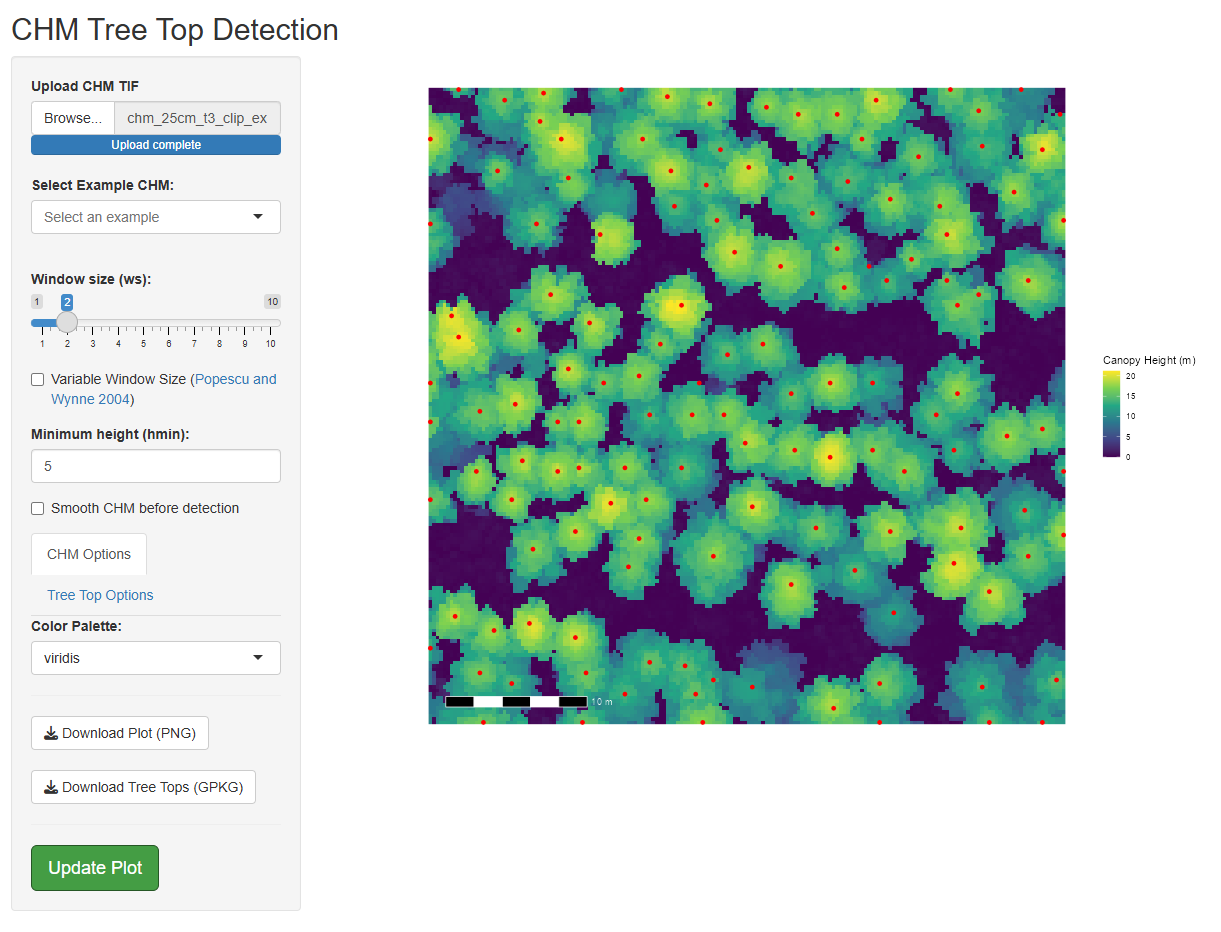
Download the ITD example ShinyApp (.zip)
Contains:
itd_shiny.R - an R script containing the tree detection Shiny App components
itd_shiny.Rproj - an R project file, use this to ensure the example paths work
data/chm_ext - four example 0.25 m Canopy Height Models (CHM)
Instructions:
- Download and extract contents to a folder
- Open the itd_shiny R Project using RStudio
- Open itd_shiny.R in RStudio and run entire script to initate the shiny app
- Load an example CHM (or your own) and play around
More resources
Read the Shiny textbook, there is no better resource.

Deliverables
Take three PNG screenshots of tree detection results from the ITD shiny app
- Try out different window sizes, visualization options etc
Take a screenshot of your favourite Potree example point cloud, write two sentences about why you found it interesting or “cool”.
Create your own rotating GIF from a point cloud
Make sure this is less than 50mb in size
Feel free to just use the example laz files provided
Download the FCOR 599 Submission Template (.docx)
Upload to Canvas
- Word document with four screenshots and your two sentences
- Your own rotating GIF!